I wrote earlier about why you need a prompt studio. The short version: if AI is part of how you work, the good prompts are assets, and chat history is a bad place to keep assets.
This stretch of shipping was about making Prompt Studio feel like that studio in practice, not only in the pitch. Nested folders. Threads you can share as a whole. Outputs that are images, sure, but also markdown, PDFs, spreadsheets, whatever the job produced. An editor that autosaves instead of gambling with your draft.
A shorter version landed on LinkedIn. This is the version for people who actually use the thing.
Folders that nest (finally)
Projects became Folders, and folders can nest. Client work under a client. Experiments under a theme. The Linear-style picker means you can create a folder and place a prompt in one flow, instead of bouncing between screens.
That sounds boring until your library stops fitting on one flat list. Then nesting is the difference between “I’ll find it later” and actually finding it.
Threads you can share
Collections are Threads now: a sequence of related prompts with navigation beside the editor. Research brief, then visuals, then refine, then the write-up. The original prompt stays the first item when you convert something into a thread.
The part that changes how I work with other people is public sharing of a full thread. Not one orphaned prompt. The whole chain, with outputs, on a page you can send.
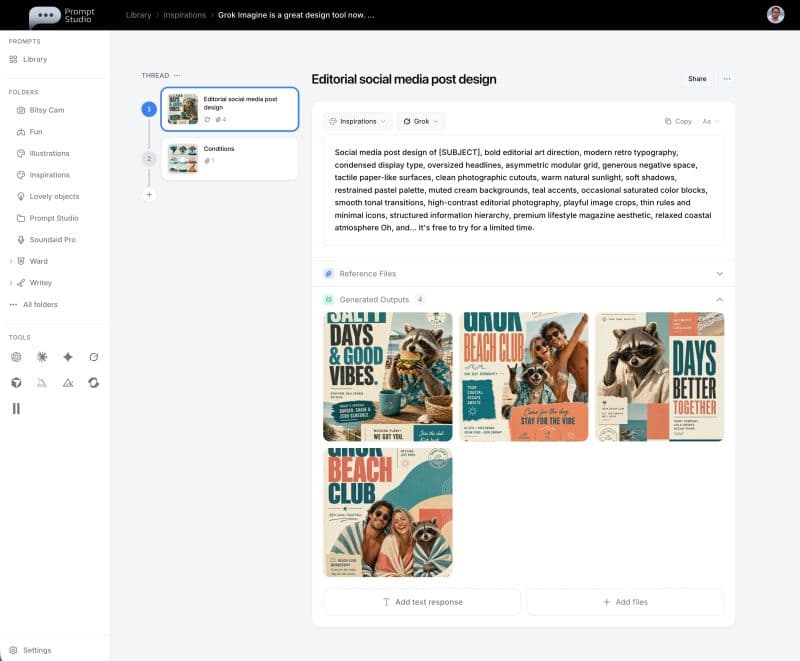
Share sits in the title bar. From the sidebar you can duplicate, share, or delete a whole thread. Every prompt still has folder control, so filing and chaining do not fight each other.
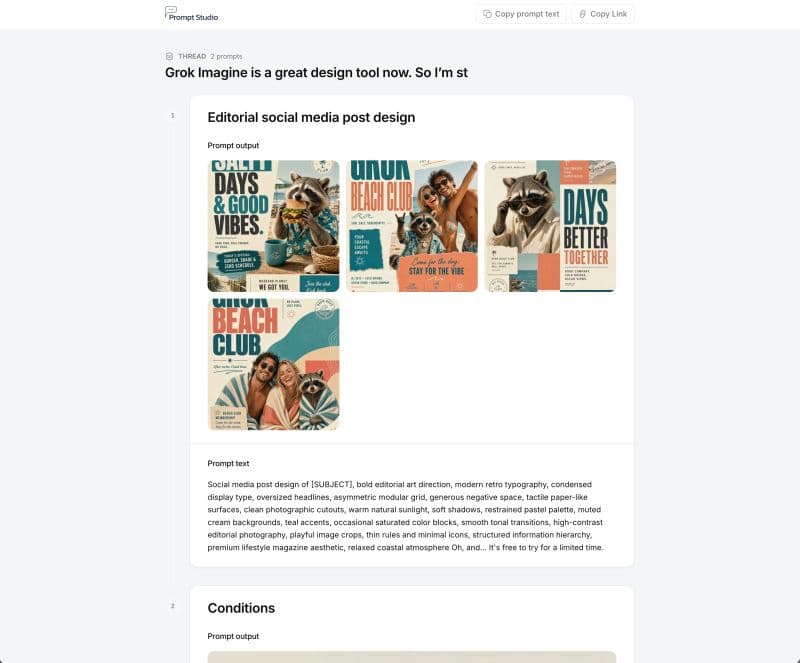
That is the share model I wanted when I first sketched the product. Someone opens the link and sees the workflow, not a screenshot of step three with no context.
Outputs that are not only media
Image tools made it obvious that outputs belong next to prompts. Writing tools made the gap obvious too: you get a useful markdown reply, and then it lives in chat forever.
You can save text and markdown responses beside media now. You can also attach real documents as references or outputs: PDFs, Word, Excel, CSV, and other files you actually create. The prompt is still the spine. Everything else hangs off it.
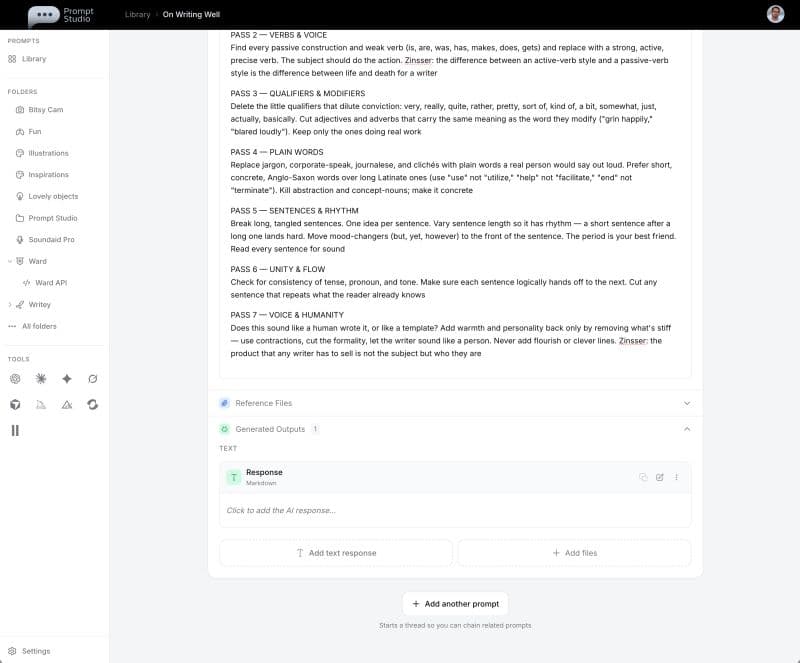
If the job produces a spreadsheet or a PDF, that file is part of the record. Same for a written response. The library stops pretending every useful result is a PNG.
An editor that keeps the draft
The markdown editor is closer to a notes app than a raw text box: live formatting, familiar shortcuts, plain text / Markdown / JSON when you need them. Autosave runs as you type. Leaving the page or switching tabs should not eat the paragraph you just got right.
Untitled prompts stay untitled until you name them (or until a sensible title suggests itself). Small, but it beats a wall of “Untitled prompt (12)” that all look the same under deadline.
Tool icons use the official brand marks now, so Midjourney, ChatGPT, Claude, and the rest are recognizable at a glance when you are skimming the library.
What this adds up to
None of these pieces are flashy alone. Together they change the shape of the app: from “a place I paste prompts” to “a studio where a job can live.” Folders for structure. Threads for sequence. Share for handing work to someone else. Text and files so the outputs match the tools you actually use. An editor that does not punish you for thinking mid-sentence.
More detail on capabilities is on the features page. Product notes keep landing on updates as things ship. The project page is here.
Prompt Studio is free to start at promptstudio.app. If you already keep prompts in chat history, try filing one real workflow as a thread and sharing it. That is the test that matters.